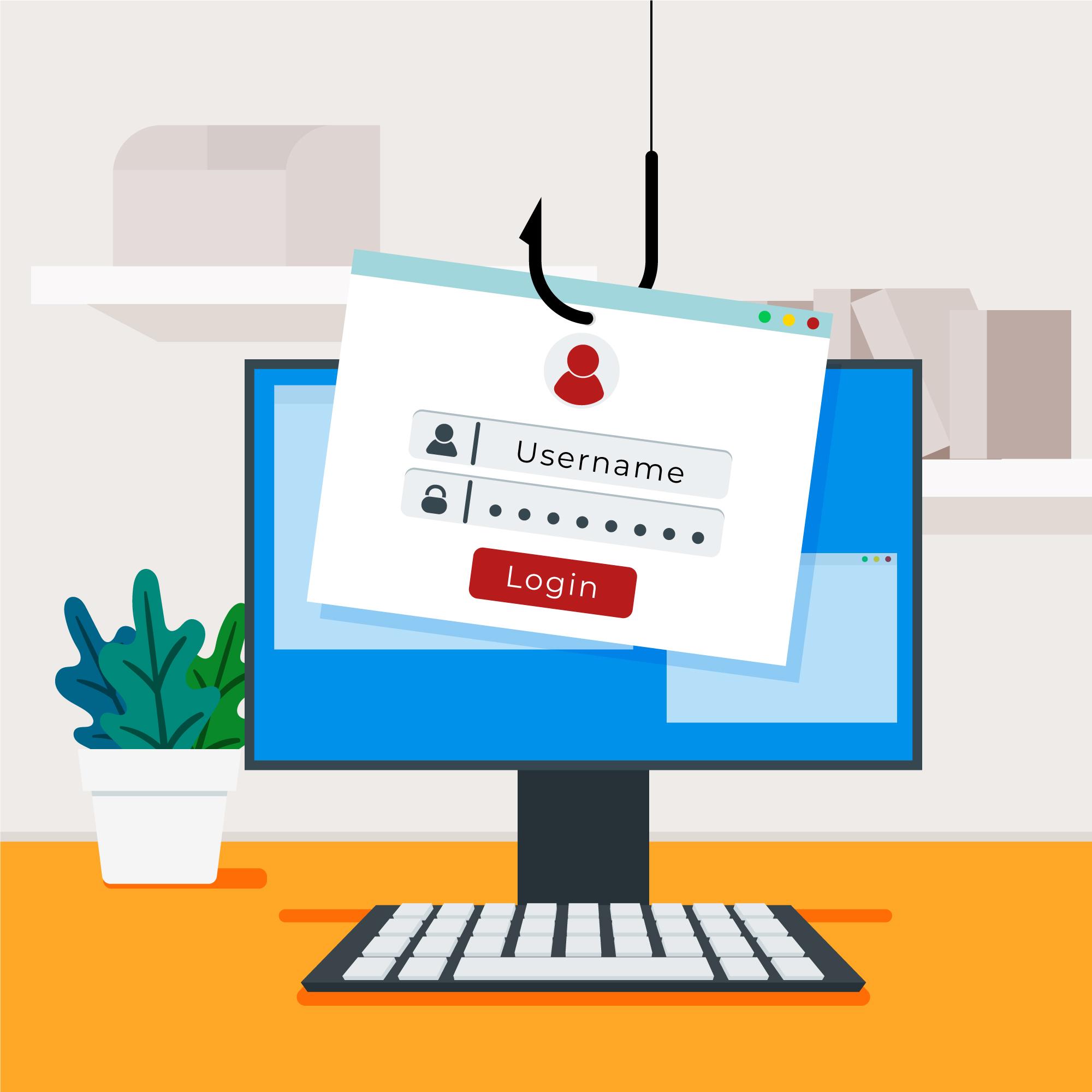
The matron on the night shift reads the email twice. It is from the medical director, it carries the hospital crest, and it says her login expires at midnight unless she confirms it now. She is covering two wards. A patient in bay four needs charting. So she clicks, types her username and password into the page that loads, and goes back to work. Nothing breaks. The screen does not freeze. That feeling of "nothing happened" is the most dangerous part, because somewhere a stranger now has her password and the clock has already started.
Every poster on the wall stops at "do not click". None of them tell you what to do at 2am once you already have. By then the advice is useless and the only thing that matters is the next sixty minutes. Get those right and this stays one tired matron's bad moment. Get them wrong and it becomes the whole hospital's bad week.
You clicked. The first five minutes.
The instinct is to hide it. You feel foolish, the email looked obvious in hindsight, and you would rather quietly close the tab and hope. That instinct is the attacker's best friend, because every minute of silence is a minute they get to use what you gave them. So do four things, in this order.
First, disconnect the machine from the network. Pull the Ethernet cable, or switch off the Wi-Fi from the machine itself. The point is to cut the path between your computer and everything else while leaving the computer running. Do not shut it down and do not pull the power. A live machine holds evidence in memory that the security team may need, and a clean power-off can wipe it. Second, do not delete the email. It is the single most useful artefact anyone has: the headers, the sender, the link, the payload. Leave it where it is. Third, write down what you actually did. Did you only click, or did you type your username and password into a page? Did you approve a login prompt on your phone afterwards? Did you open or "enable content" on an attachment? Those answers change everything the helpdesk does next, so be honest about them, including the embarrassing ones. Fourth, report it now, by phone or in person if you can, to whoever your hospital has named for this. As at the time you are reading this, you should already know that number. If you do not, that is the first gap to close.
The credential reset race
Most people brace for a virus on the machine. In a credential-harvesting phish, that is rarely the danger. The danger is the password now sitting in someone else's hands. They do not need to come back to your computer. They log in from their own, as you, through the front door, and your antivirus has nothing to say about it because nothing on your machine is doing anything wrong.
So the race is to make that stolen password worthless before it is used. The exposed account password gets reset straight away. Then comes the part people forget under pressure: the same password, or a close cousin of it, is almost certainly in use somewhere else. The EHR login, the email account, the shared portal, the personal Gmail the staff member uses for everything. Reset all of those too. Resetting the password is also not enough on its own, because if the attacker has already signed in, their session can outlive the change. Revoke active sessions and sign the account out everywhere. If multi-factor authentication is in place, check whether the attacker registered a device of their own, and remove it. If MFA is not in place on that account, this is the incident that should get it switched on before the week ends.
Helpdesk triage: scope it before you escalate it
Before you reset anything, ask one question, and ask it first. Did the caller only click the link, or did they type their username and password into the page? That single answer splits the response into two completely different jobs, and getting it wrong wastes the only hour you have.
A click alone, with no credentials typed and no attachment run, is the better case. You still isolate the endpoint, look at what the link actually pointed to, and watch the account, but you may be dealing with reconnaissance or a drive-by attempt rather than a live account takeover. Typed credentials is the worse case, and it runs on the credential reset above at speed. A "yes" to enabling an attachment is a third path again, closer to possible malware, where the endpoint itself needs to be isolated and examined rather than just watched.
Whichever path it is, isolate the endpoint from the network if it is not already, and preserve it rather than wiping it in a hurry to "clean" it. Then hunt where the attacker hides. In a mailbox compromise the classic move is a quiet inbox rule: messages from the finance team, or anything containing "invoice" or "payment", silently forwarded to an outside address or shunted to a folder the user never opens. Check the account's inbox rules and forwarding settings. Check recent sign-in activity for logins from places and devices that make no sense. If any of that turns up, or if the access reached patient data, this has stopped being a helpdesk ticket. It is an incident with reporting obligations under the Nigeria Data Protection Act, and it needs to go up the chain to whoever can declare that, not sit in a queue.
When sixty minutes is not enough
Sometimes the containment works and the story ends there: one reset password, one revoked session, a note in the log. Sometimes the first hour tells you it is already bigger. The attacker logged in before you finished, moved, and now there is encryption spreading or data walking out the door. That is a different animal, with a different command structure and different decisions, and it is the subject of our hour-by-hour walkthrough of a hospital ransomware attack. The handover point is exactly here: the moment a contained click turns into an active intrusion is the moment this stops being a containment job and becomes an incident-command one.
- Disconnect, do not power off -- cut the network path but leave the machine running so memory evidence survives.
- Keep the email and write down what you did -- the email is the best artefact, and "did you type your password" changes the whole response.
- Reset the password everywhere it was reused -- then revoke live sessions and check for a rogue MFA device, because the stolen password, not malware, is usually the real threat.
- Scope click versus credential entry first -- a click is one problem, typed credentials is a faster and worse one, and an opened attachment is a third path.
- Hunt for attacker inbox rules -- a silent forwarding rule on "invoice" or "payment" is how a mailbox compromise stays hidden; if patient data was reached, escalate under the NDPA.
The mistake is the click. The damage is the silence that follows it.